
Visual explainerCollapse diagram
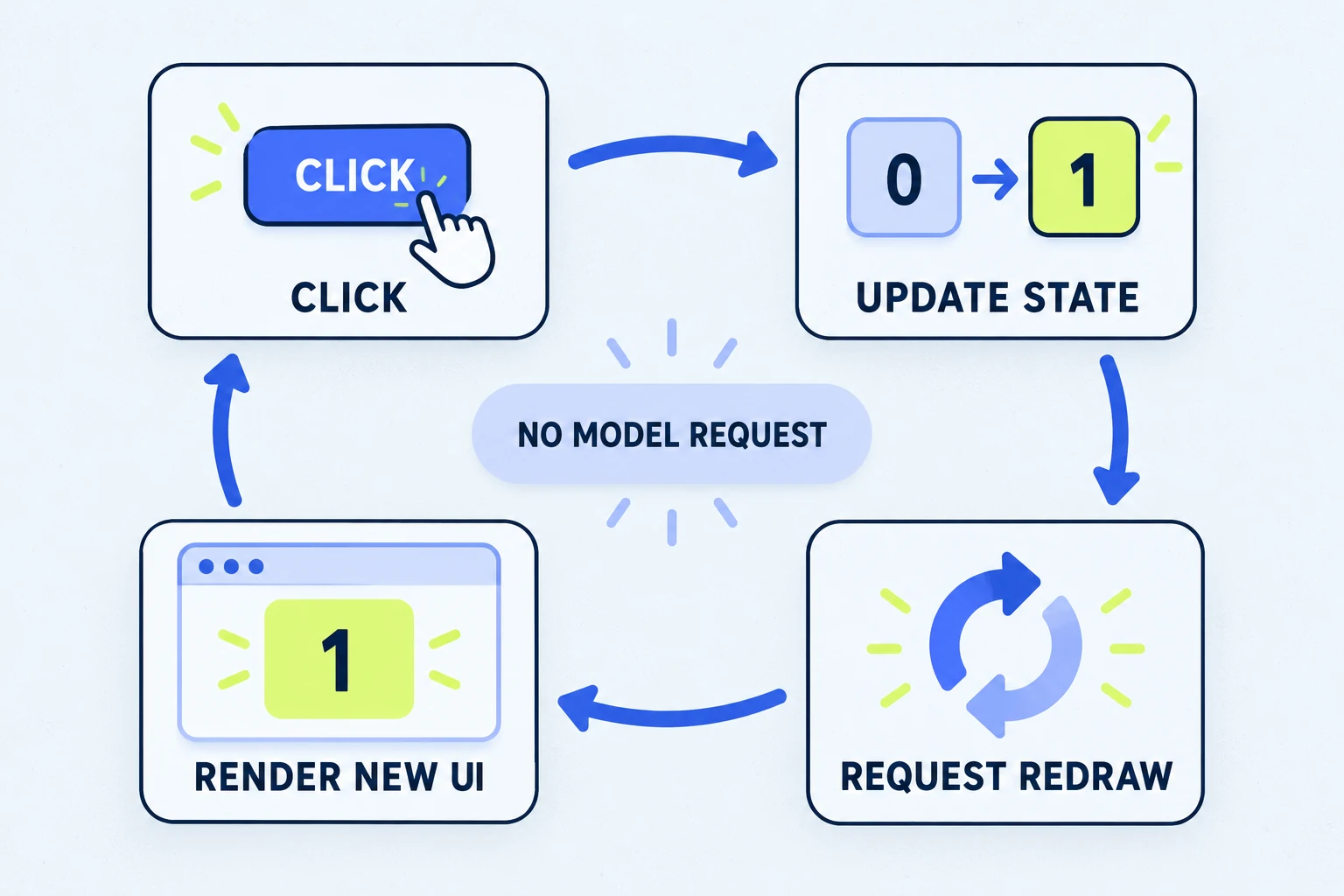
A drawing is a description of the current state.
The ui.render handler returns boxes, text, buttons and fields supported by the current surface. A button callback changes a variable and calls $.ui.invalidate. The host asks for a new tree and draws the updated value.
A click updates local state, then redraws the number.
Try it in the real starter.
In a supported local Code session, run /kitchen, open Recipes, and click the counter. Its value lives in the loaded module and resets on reload. The Notes tab explicitly saves a separate value to the plugin store. That note is local plain-text data shared across this plugin’s sessions; use synthetic notes.
Compose with other mods.
The band above the prompt keeps the downstream drawing returned by await next(e) and adds this mod’s elements. The Pane hook also checks the pane ID before drawing. Those two choices keep the example from assuming it owns every render site.
Respect a draft.
The starter’s draft button checks for existing input. It fills an empty draft and leaves sending to the user; it preserves existing text. Filling a prompt box is distinct from submitting a prompt.